
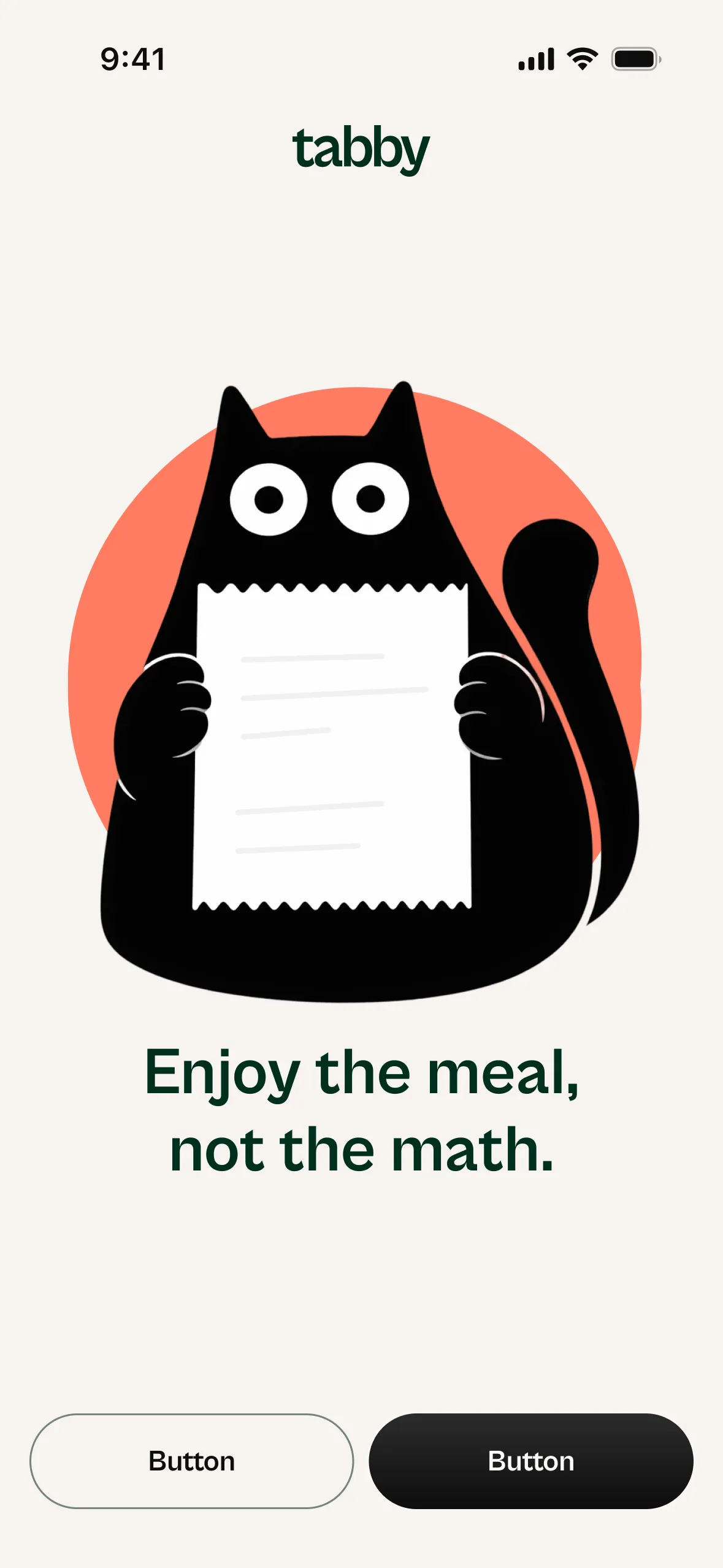
Enjoy the meal,not the math.
Enjoy the meal,not the math.
Split the check and pay it in one app. No chasing payments after the meal.
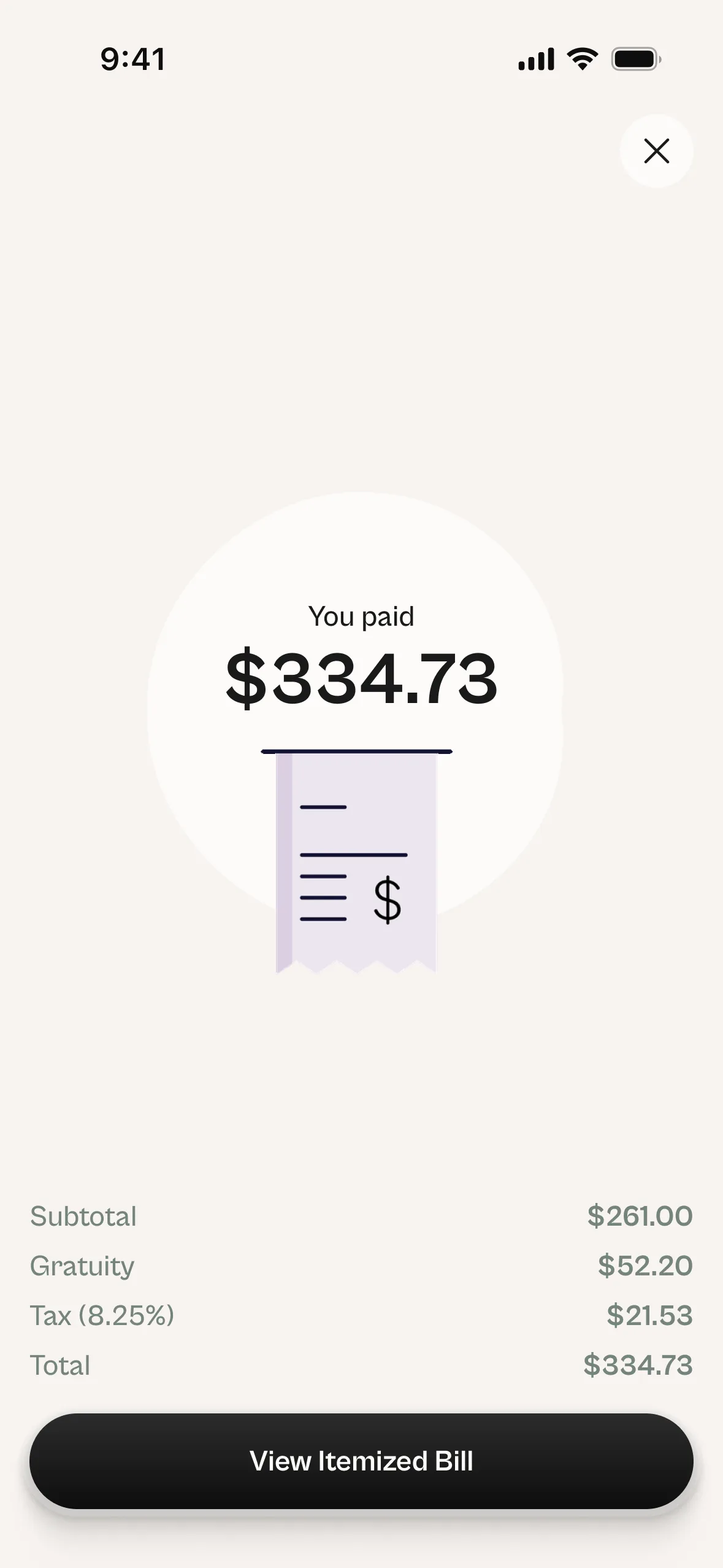
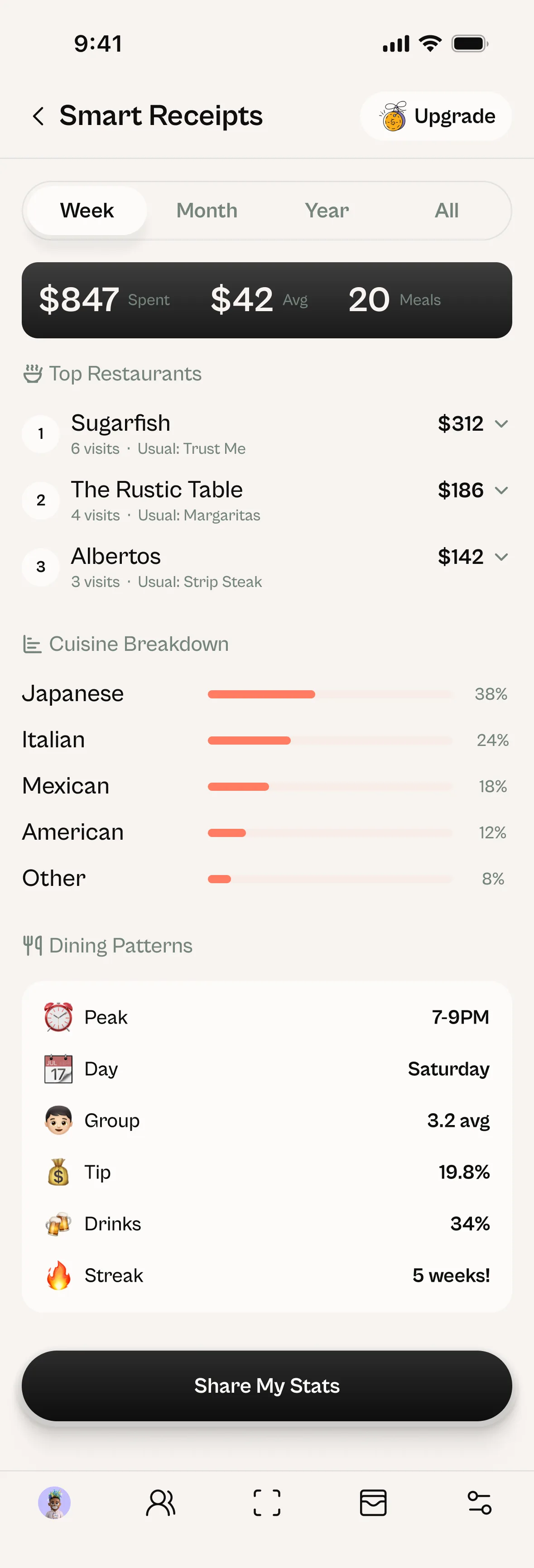
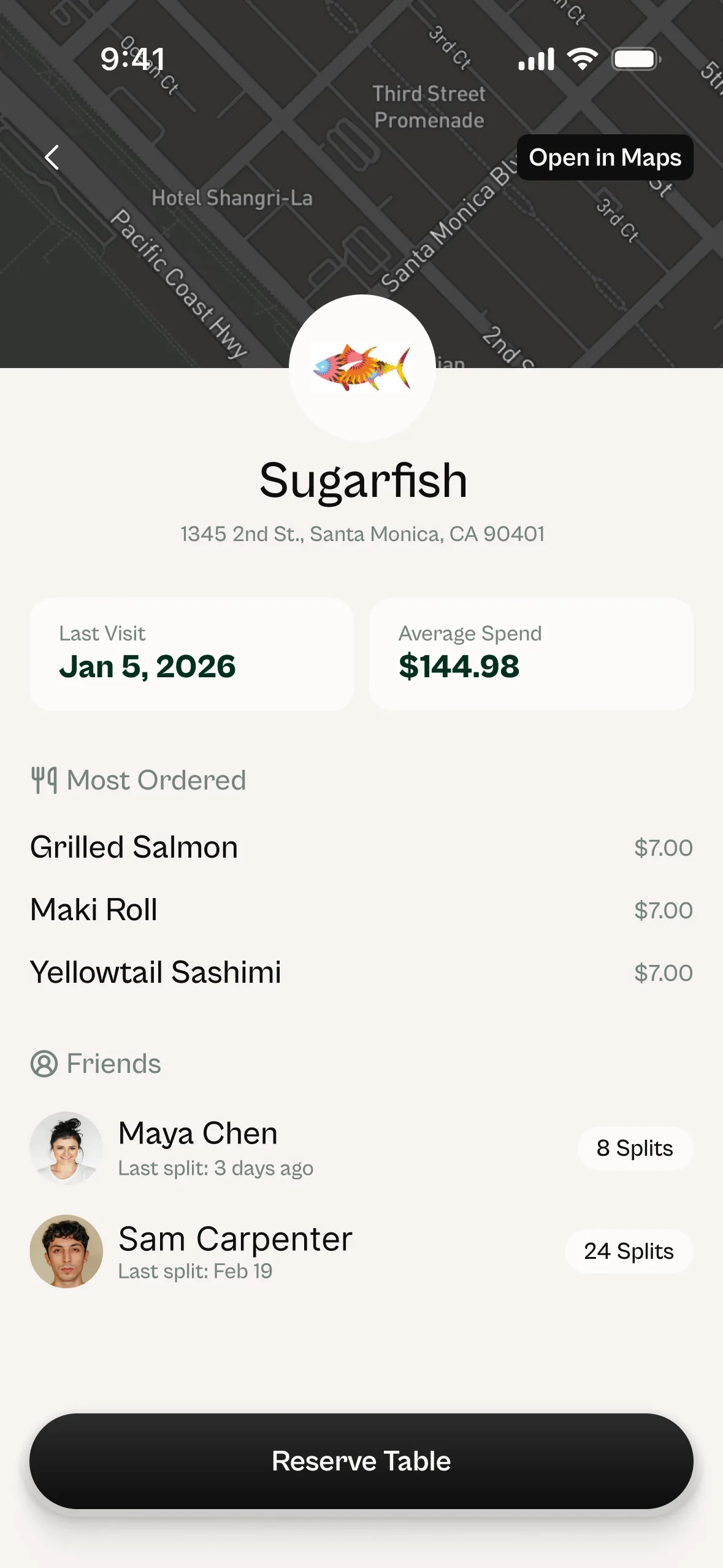
Drag, wheel, click · tap to zoom09 / 15
Don't pay for their wagyuwhen you had water.

01Invite
Bring your
people in.
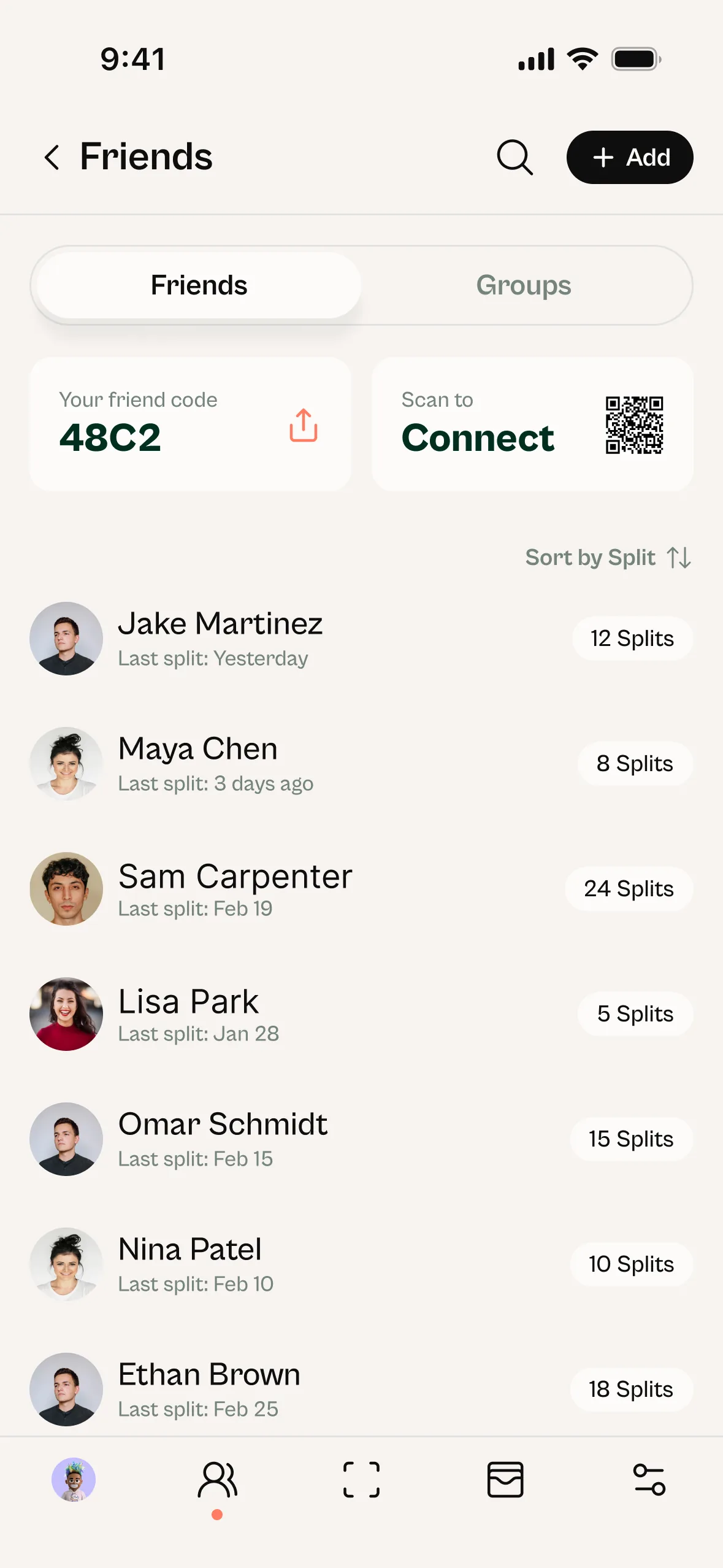
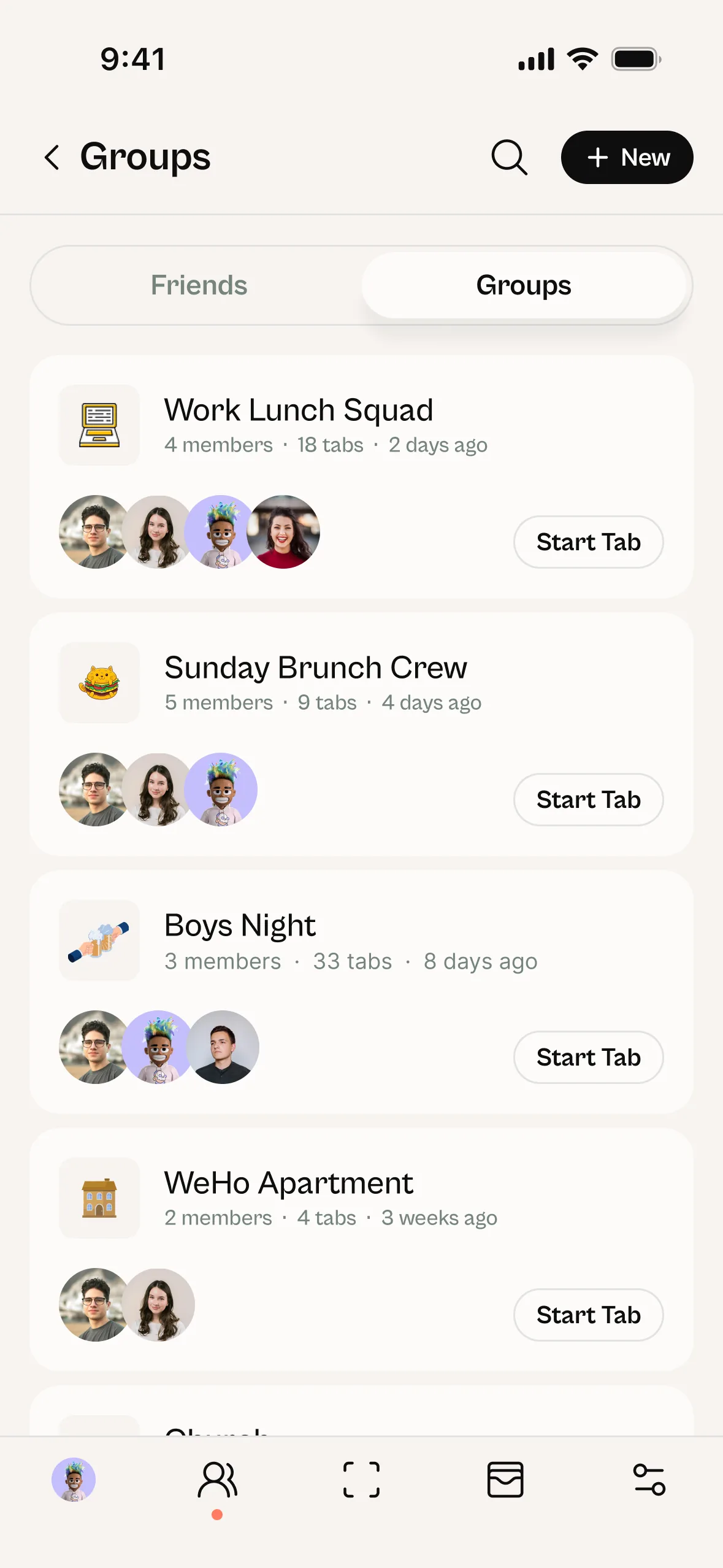
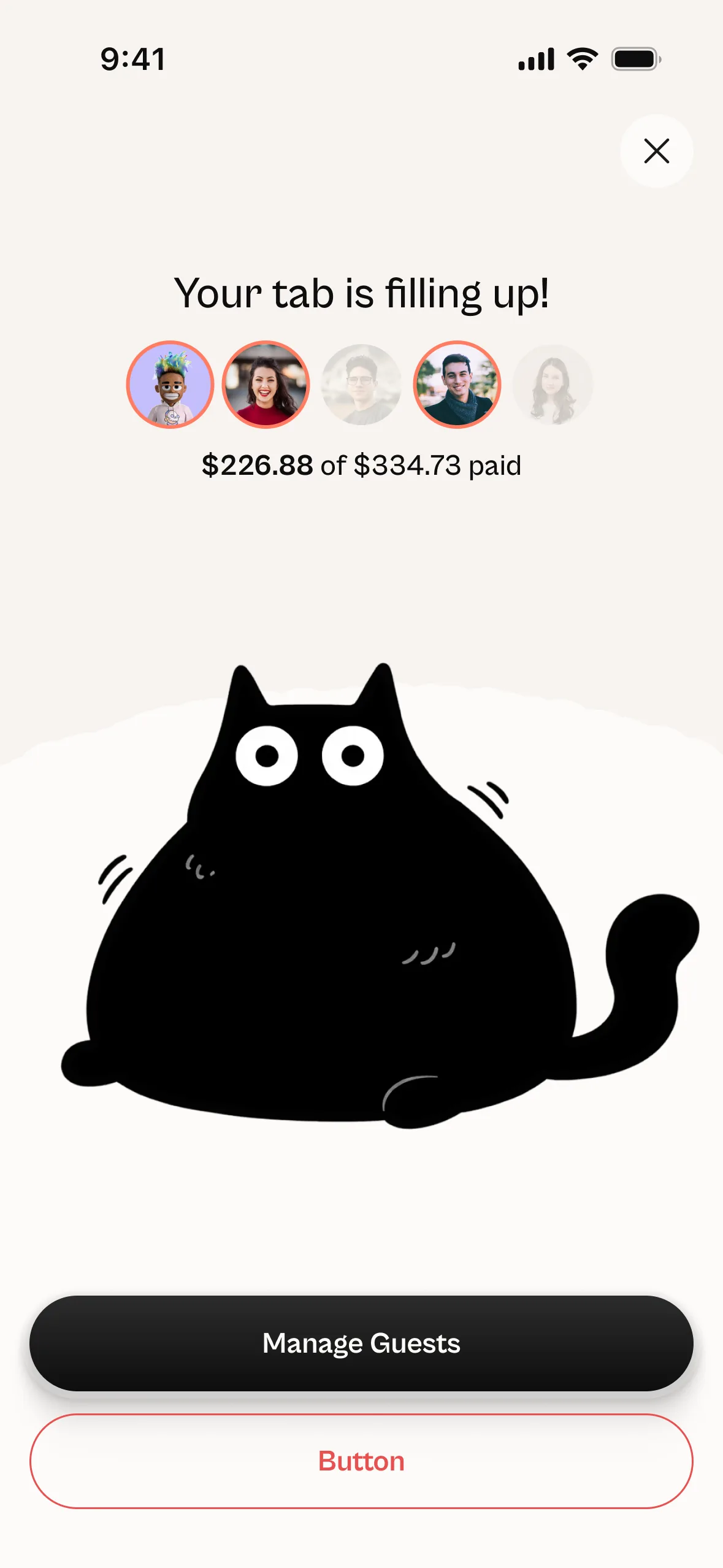
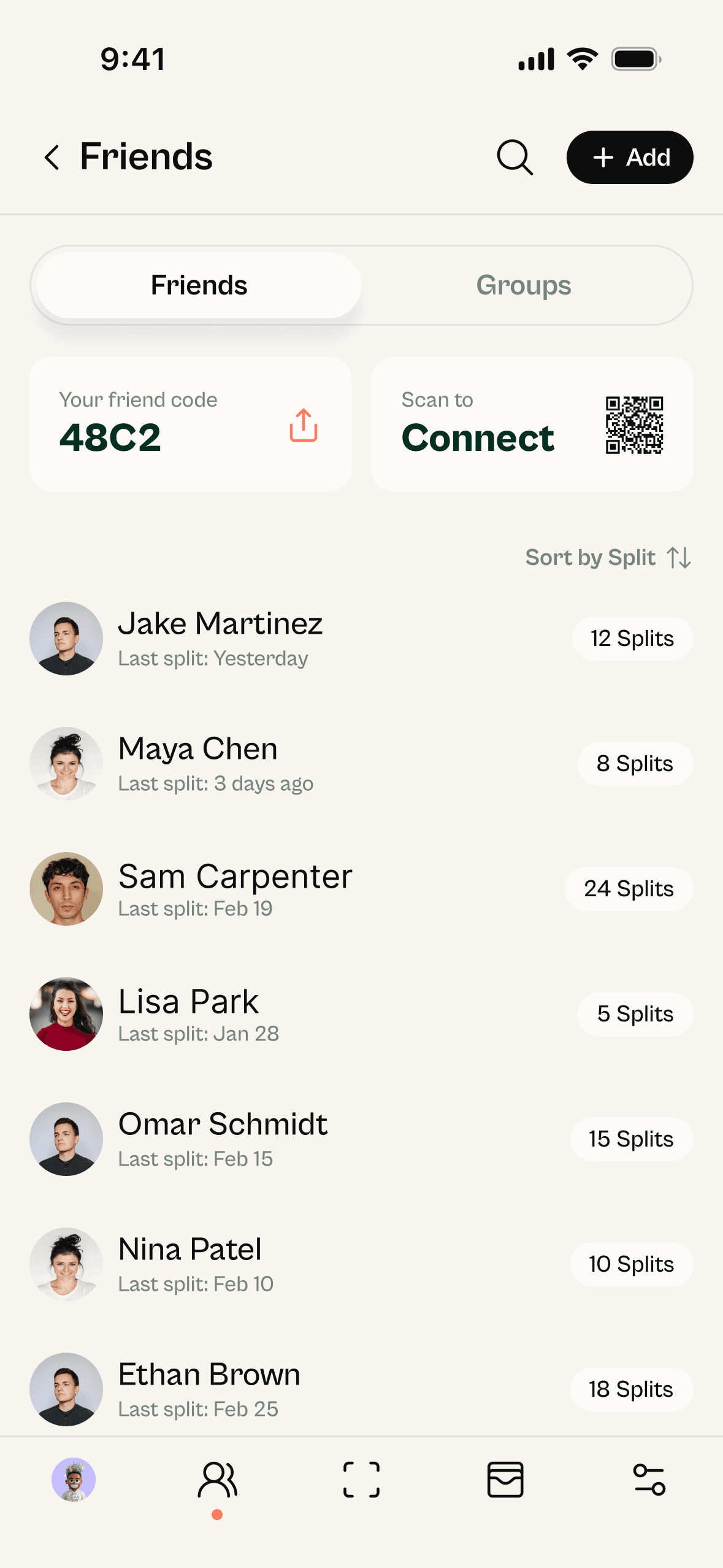
Add friends or load a saved group, then start a tab. Anyone you bring can join from any phone — no app required.
§ 01Payments & the fee
Pay your way.
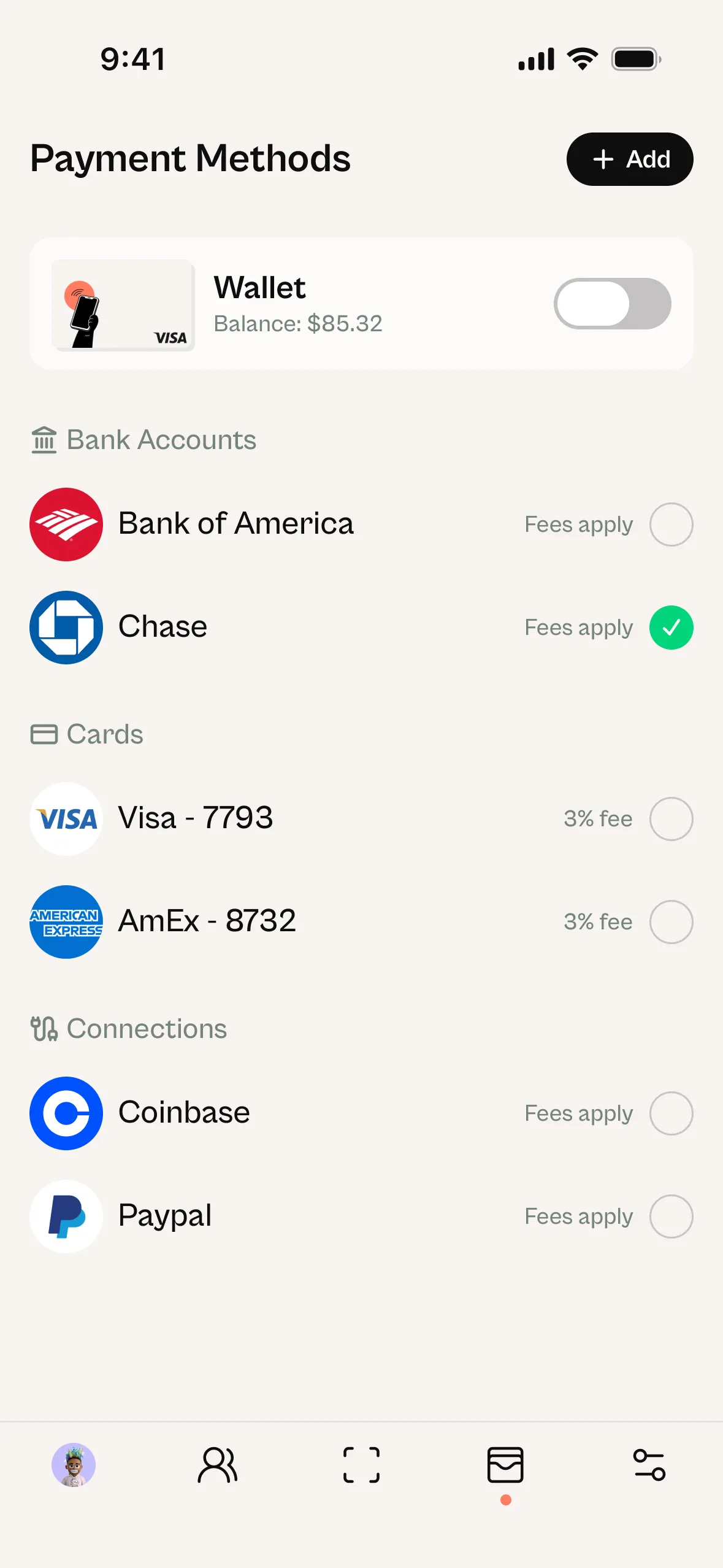
Apple Pay, credit, debit, bank transfer. Crypto is next.
- 01Tap to payInstant
- 02Debit / Credit card+3% fee
- 03Bank transferFree
- 04CryptoSoon


§ 02The handoff
The flow
No one fronts the bill.
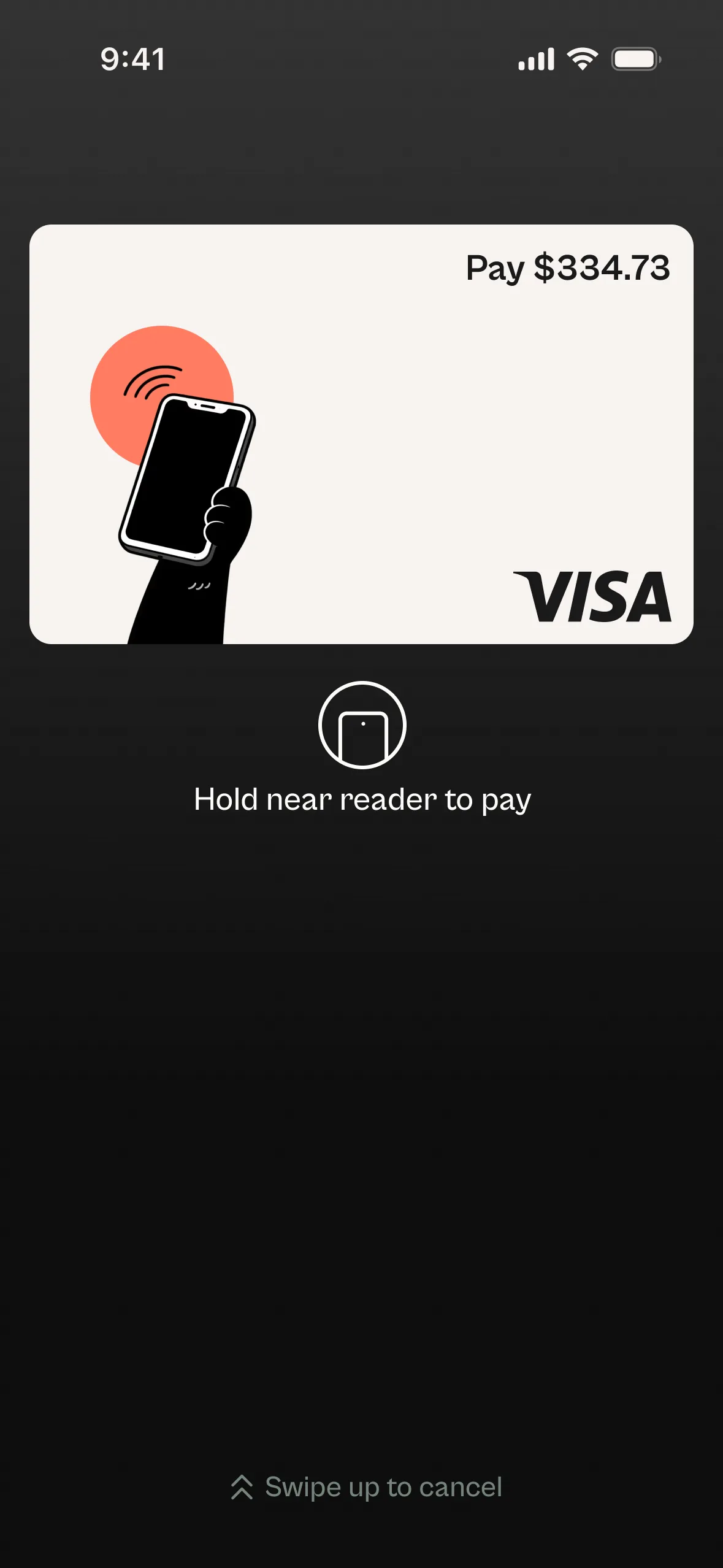
Everyone pays first. Funds wait in escrow. A one-time virtual card lands on the host's phone — one tap at the POS pays the restaurant in full.
- 01Everyone paysFunds enter escrow
- 02Card mintsOne-time virtual card
- 03Host tapsRestaurant paid in full
FAQs.
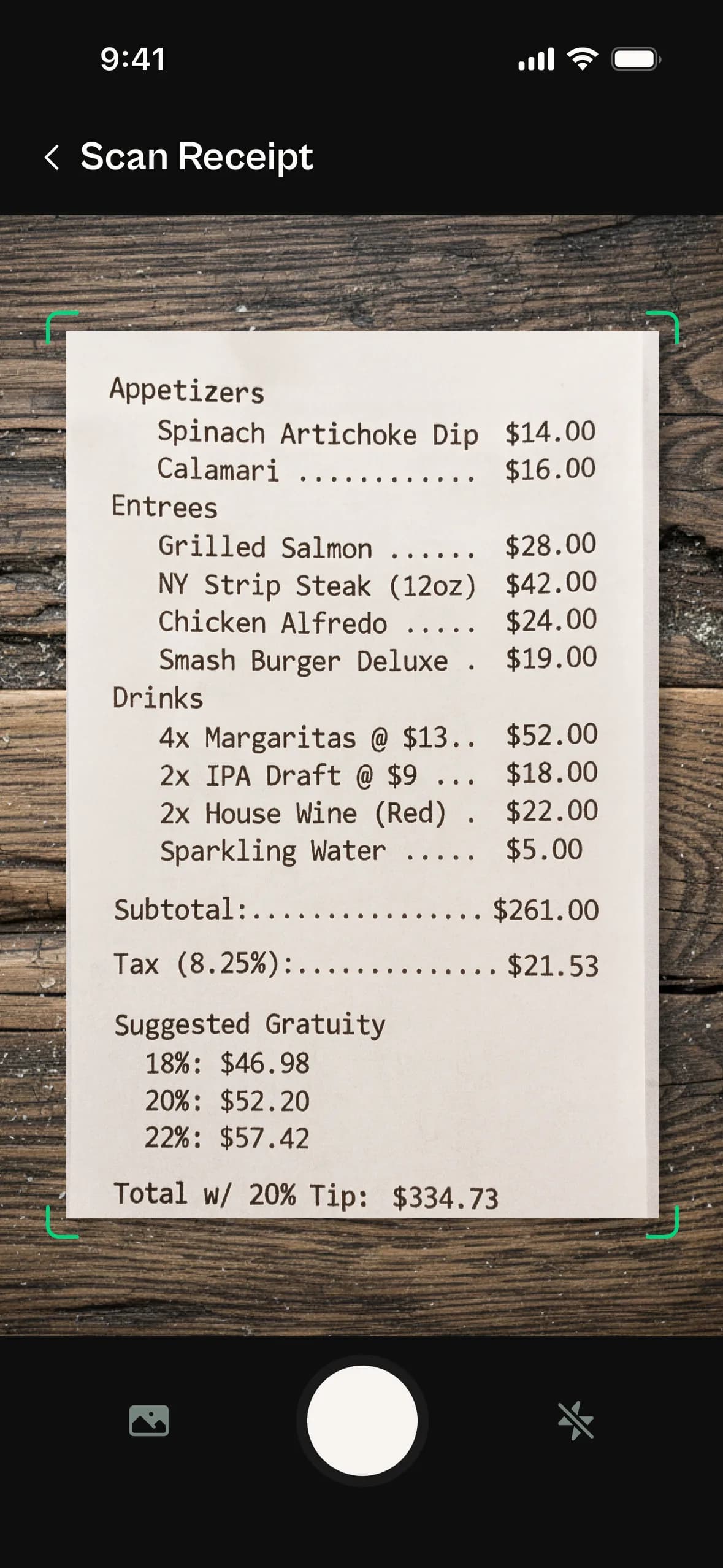
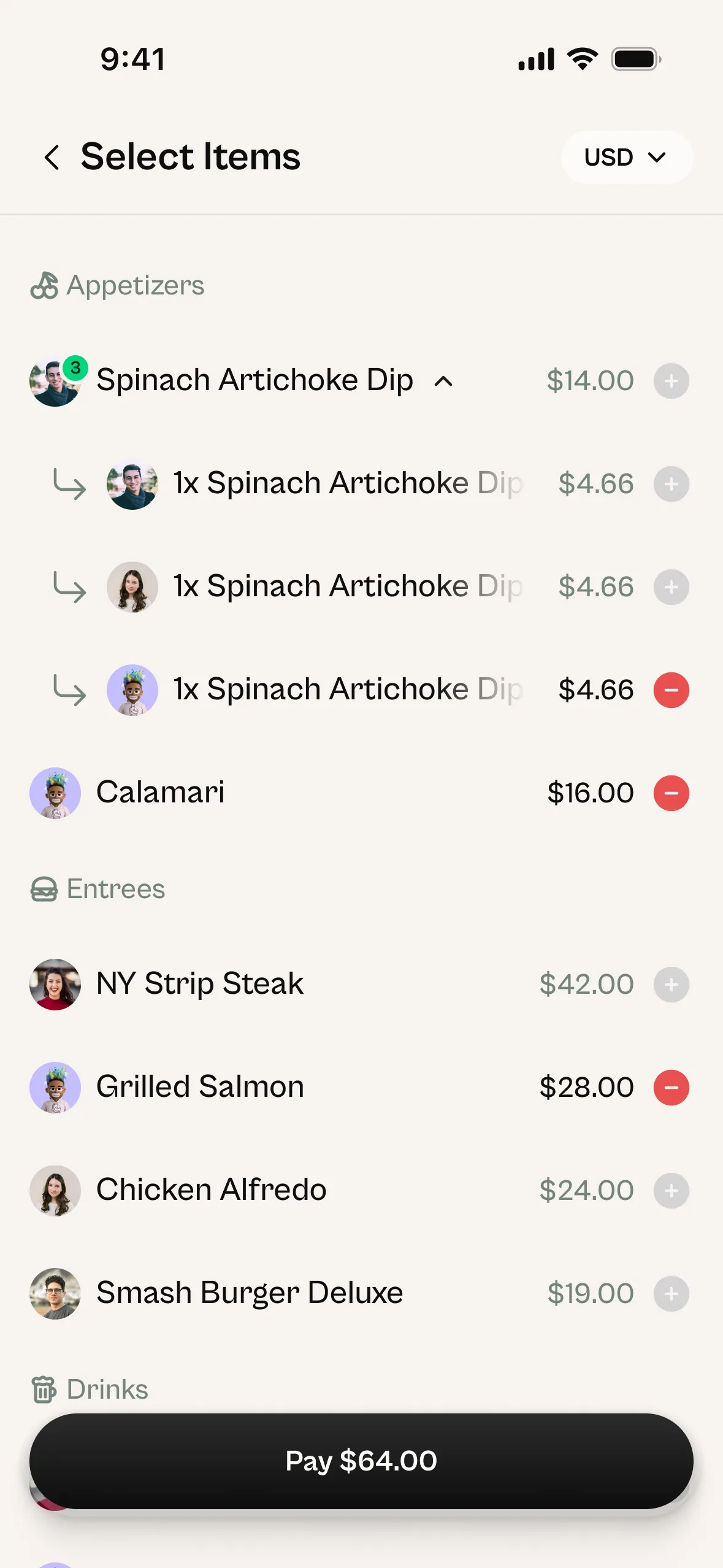
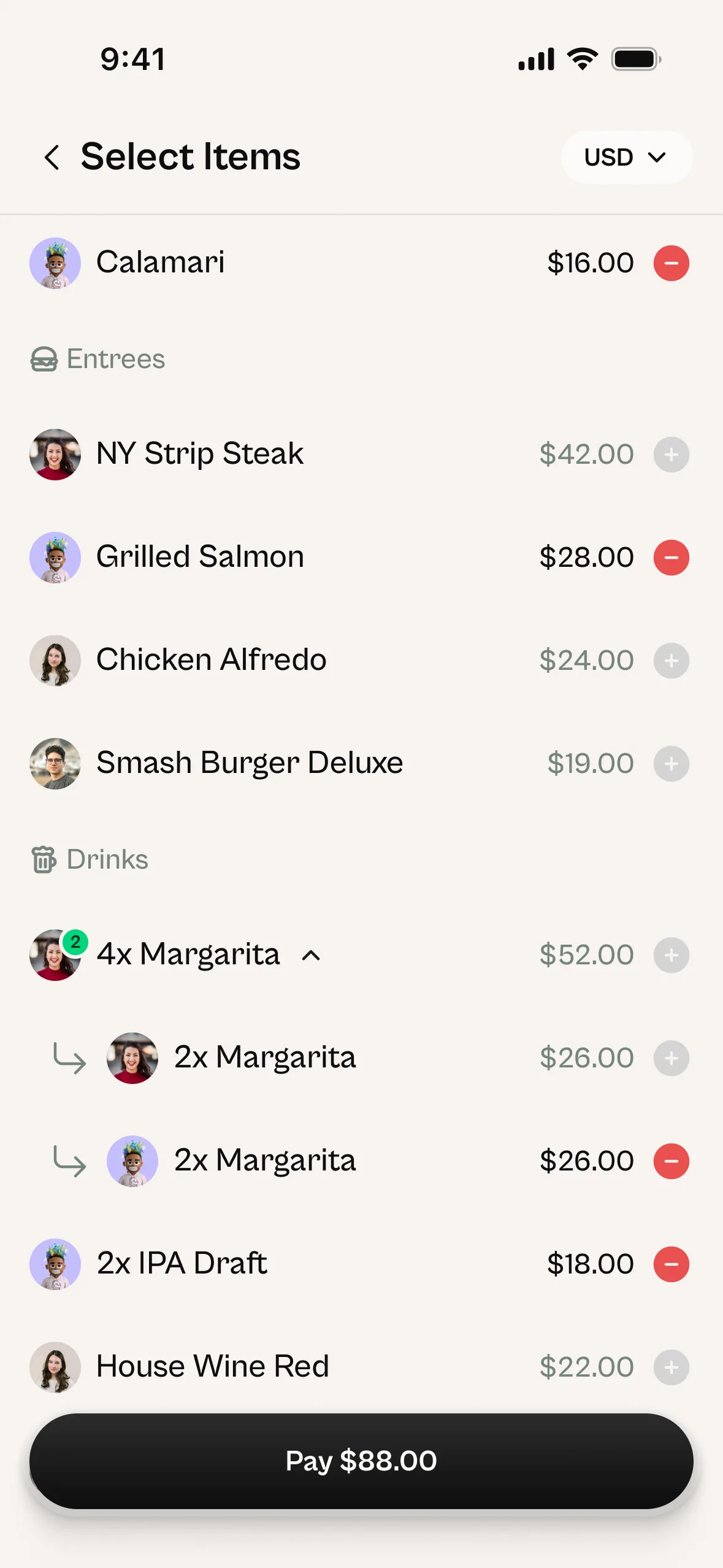
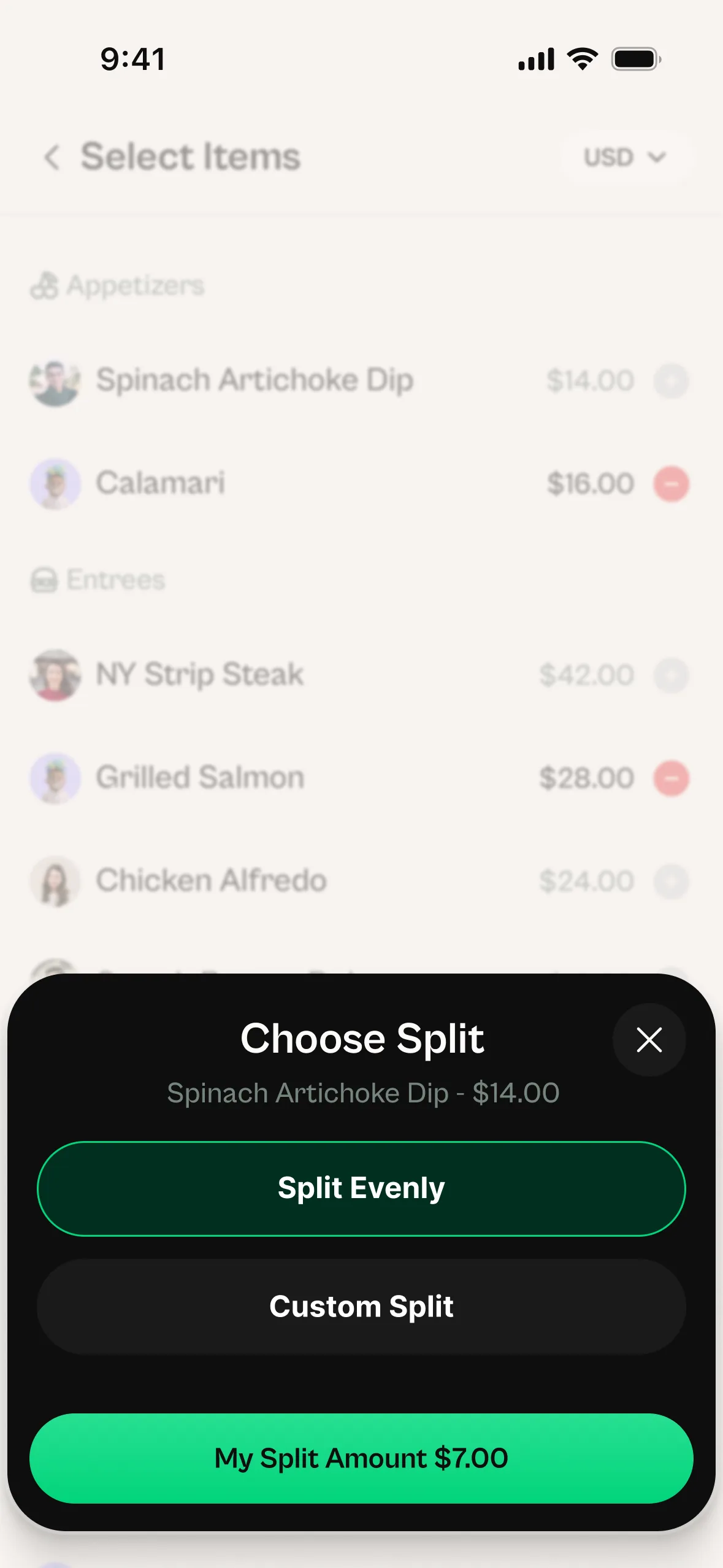
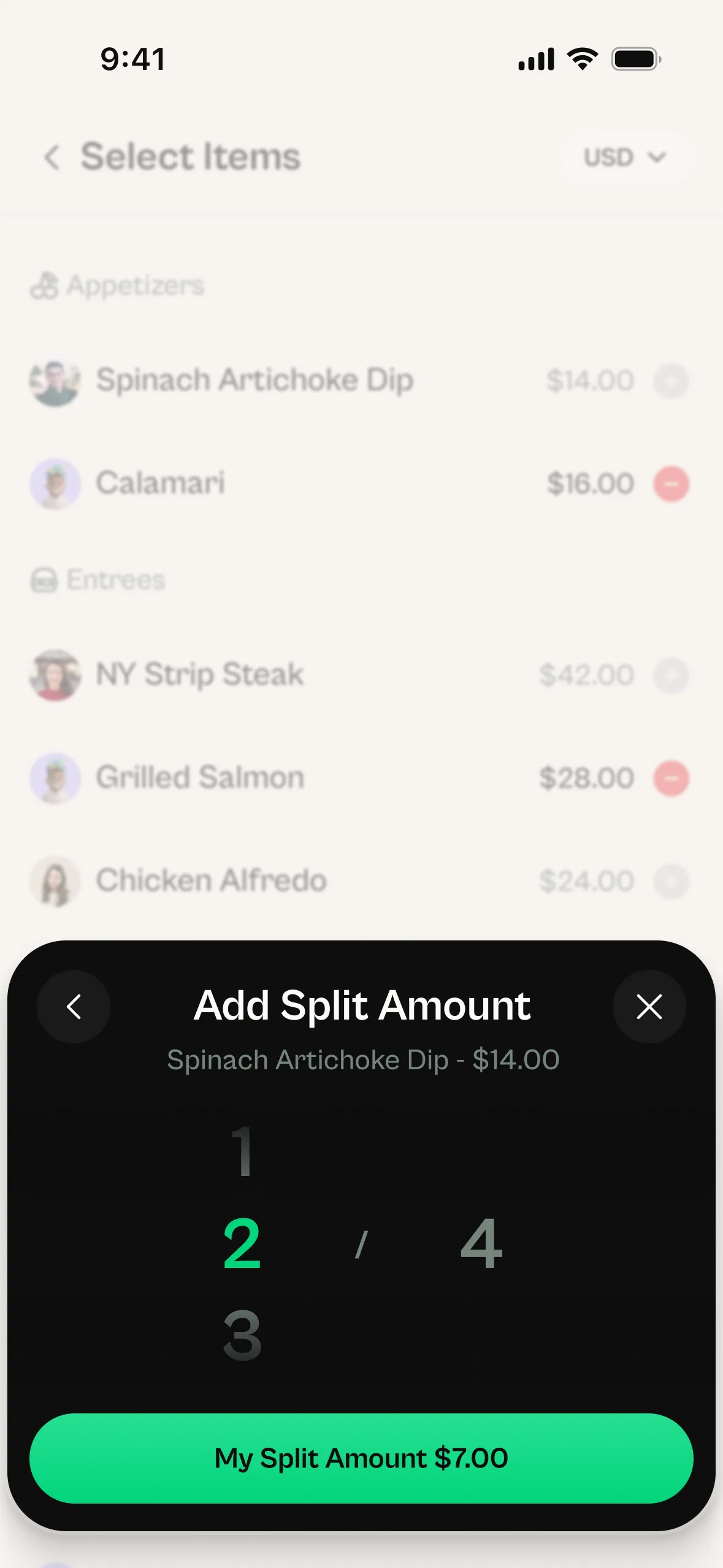
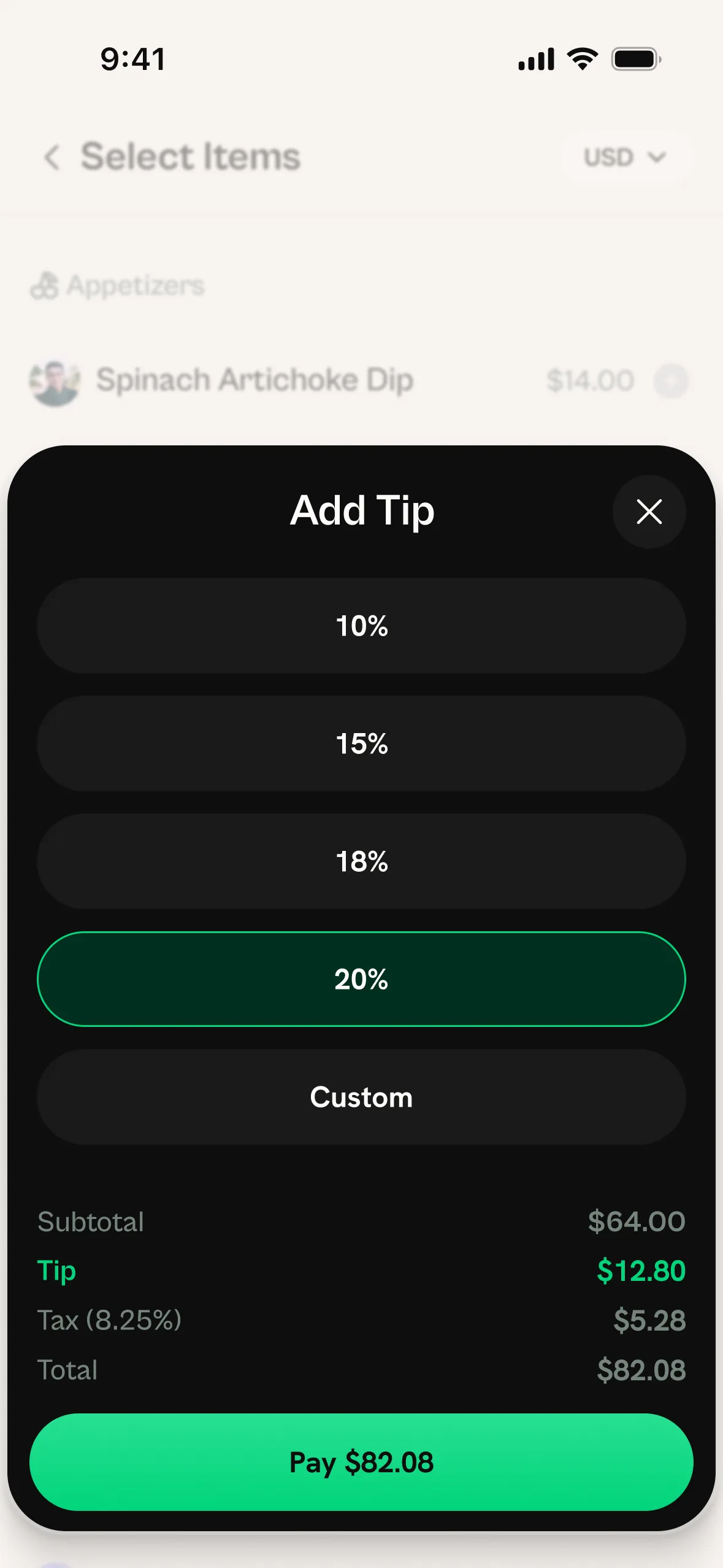
One person scans the receipt. Everyone on the tab claims the items they ordered. Shared plates can be split evenly or by custom amounts among whoever claims them. Each person selects a tip, reviews their total, and pays their share. All funds are held in escrow until everyone has paid. Once the full amount is collected, a one-time virtual card appears on the tab initiator's phone. They tap it to the POS terminal and pay the restaurant in one clean transaction. No one fronts the bill. No chasing payments after the meal. Done before the server comes back.
No. While having the app makes the experience faster, anyone can join a tab through a URL link. The tab creator shares the link, and participants can claim their items and pay their share without downloading anything. For regular users, the app makes starting and joining tabs instant.
Debit cards, credit cards, and bank accounts. Cryptocurrency payments are coming in a future version. You add a payment method once and it's saved for future tabs.
Yes. Payment processing is handled through our banking infrastructure partner. We never store your card number or bank details on our servers. All transactions are encrypted and processed through PCI-compliant systems. Funds are held in secure escrow until the tab is complete. Your payment information is as secure as any major banking app.
Tabby charges a flat 1.5% fee per settlement — no per-person fees, no hidden charges. You only pay when a tab is settled. Join the waitlist and you'll get early access to every feature when we launch.
Not yet. We're launching in the United States first so we can nail the experience with one banking infrastructure. International rollout is planned for later — join the waitlist and we'll let you know the moment Tabby lands in your country.
Can't find it?
Still have questions?
Tap Ask Tabby in the corner — our AI answers in seconds.